Using your Microsoft account to log in provides a secure, single sign‑on experience, so you can access services more easily without managing multiple usernames and passwords.
To setup logging in using your Microsoft account:
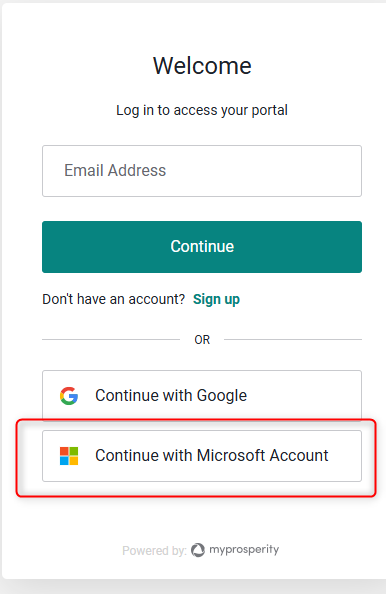
1. On the login page, add your email address and click "Continue with Microsoft Account"
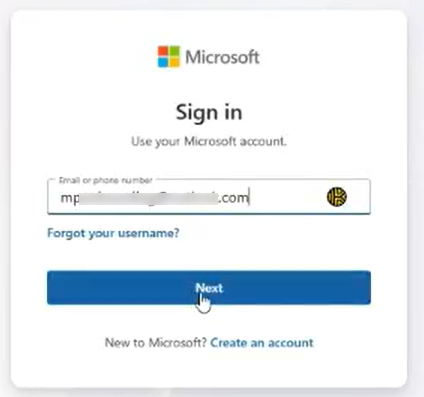
2. It will ask you to sign into your Microsoft account
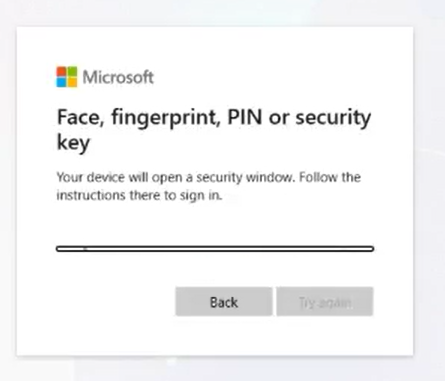
3. Your Microsoft will guide you through a login and security you previously setup
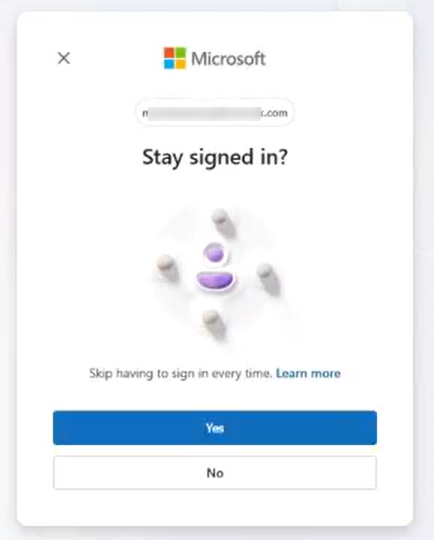
4. Once connected to Microsoft, the portal will ask to verify using your multifactor authenticator (MFA) being SMS, Authenticator App, etc.
5. Your will then be logged into your portal.
On your next login to the portal, simply click "Continue with Microsoft Account" (no need to add your email address) and add your MFA code and you are brought into the portal quickly and securely.
Note:Your email address used to login to the portal and your Microsoft Account email should match for the connection to work.